










Automated Cued & Contextual Fear Conditioning for Rats and Mice
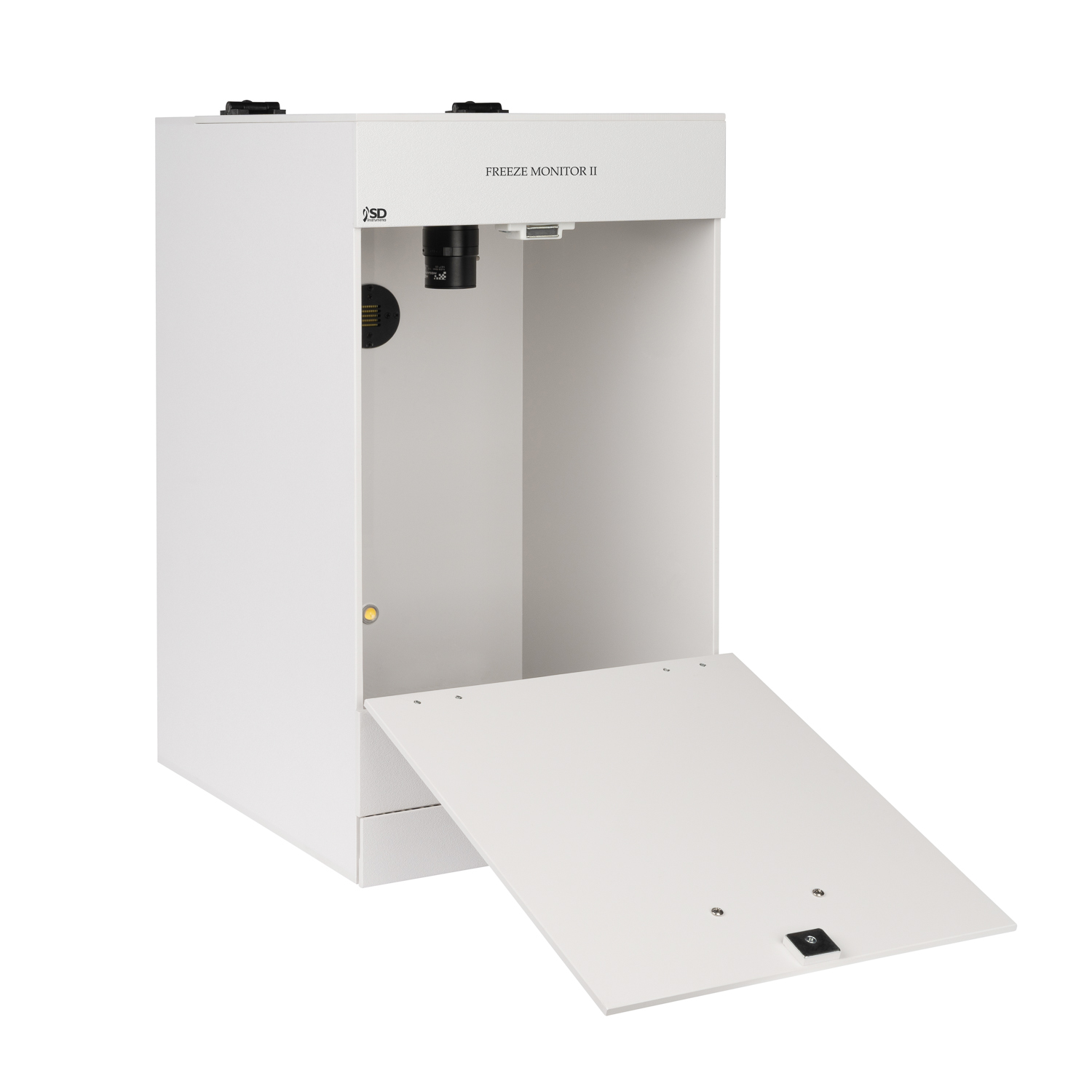
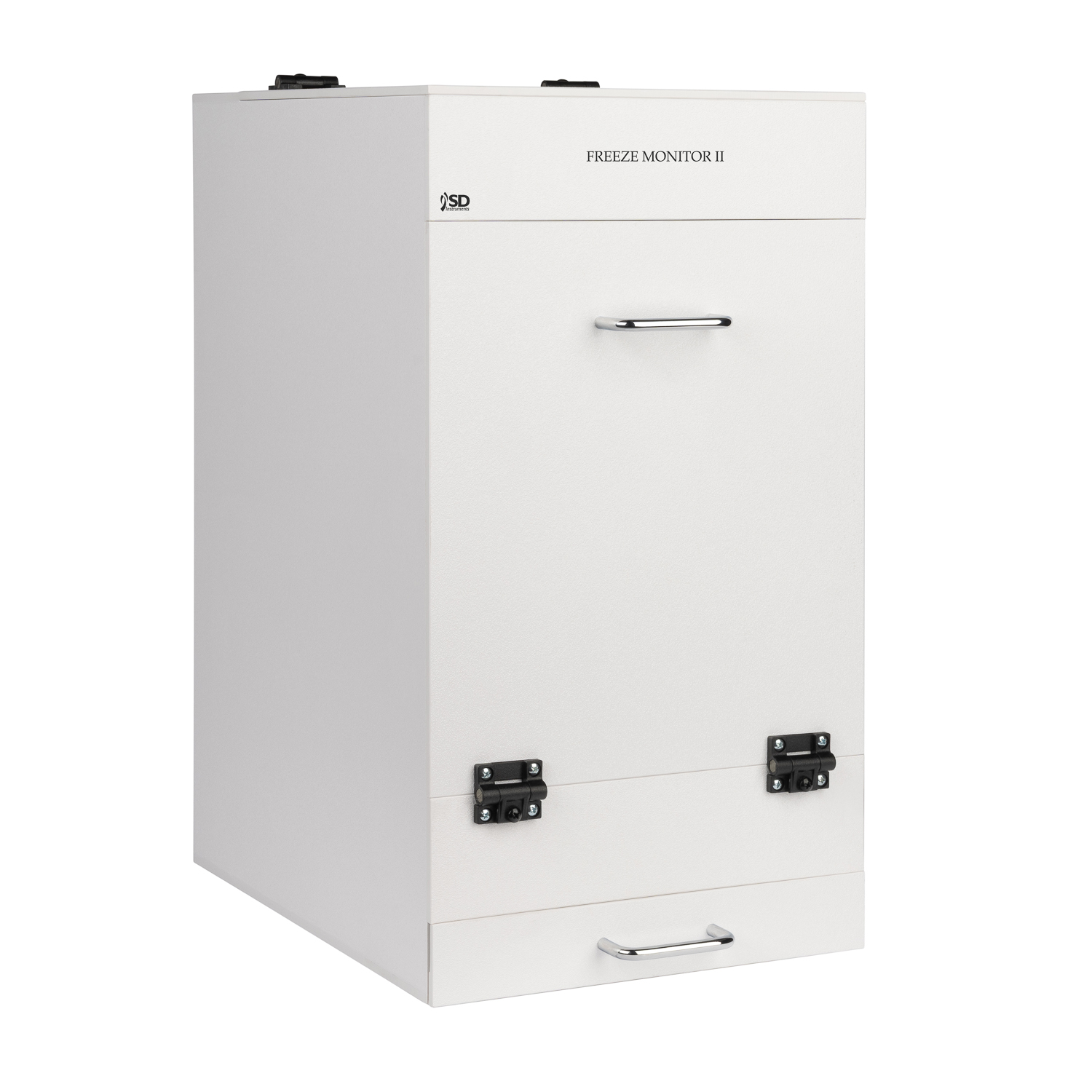
The Freeze Monitor II Fear Conditioning System is a fully computerized solution for conducting cued and contextual fear conditioning studies in rats and mice. Designed for behavioral neuroscience research, the system combines automated stimulus delivery with advanced freeze detection to provide accurate, reproducible measurements of conditioned fear responses.
Freeze Monitor is a fully computerized system designed to study cued and contextual fear conditioning in rodent models, including both rats and mice
During your freeze monitoring test, the software will record latency to movement after a “freezing” episode. By connecting up to four (4) freeze monitors to your computer via USB interface, the software sets up easily with no technical knowledge required.
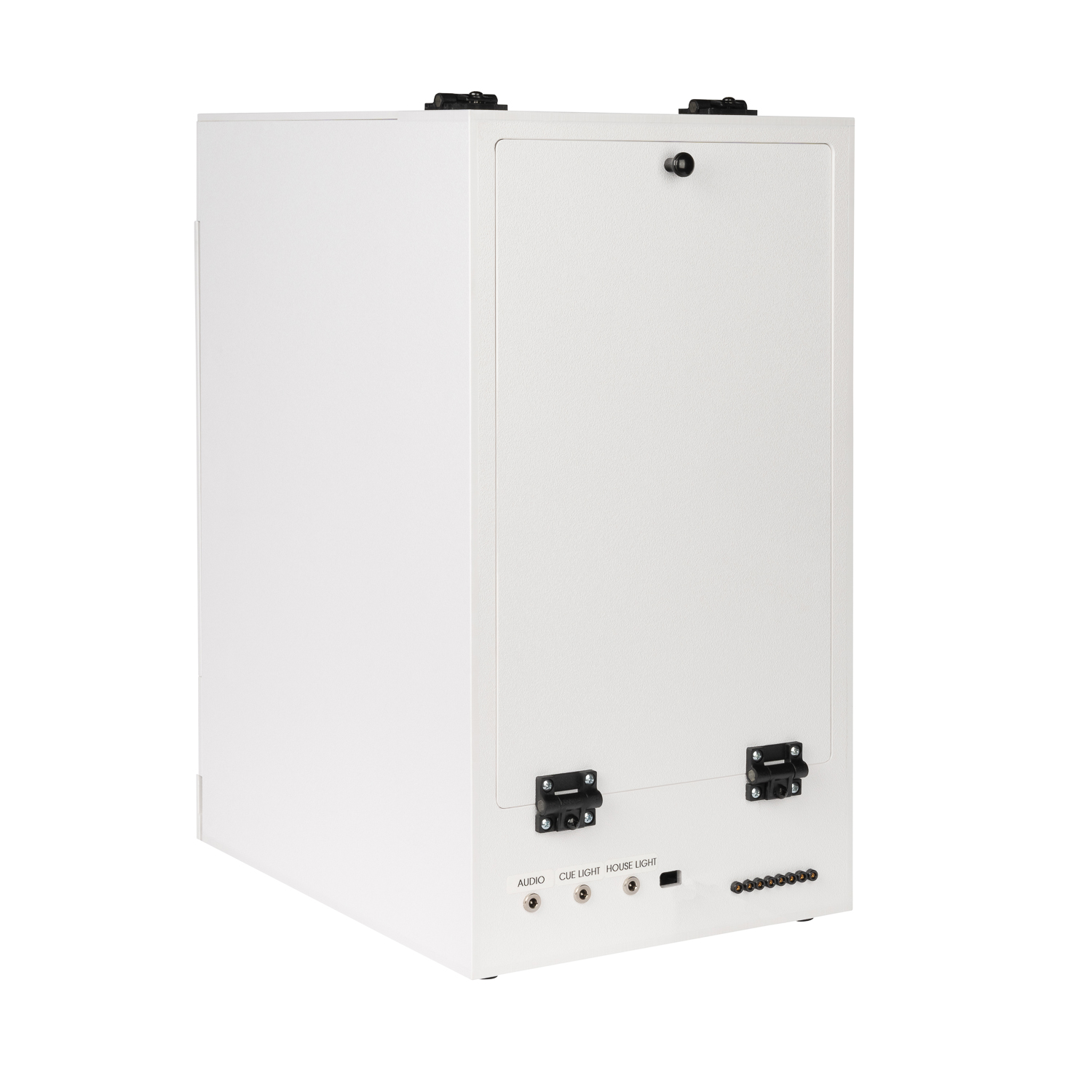
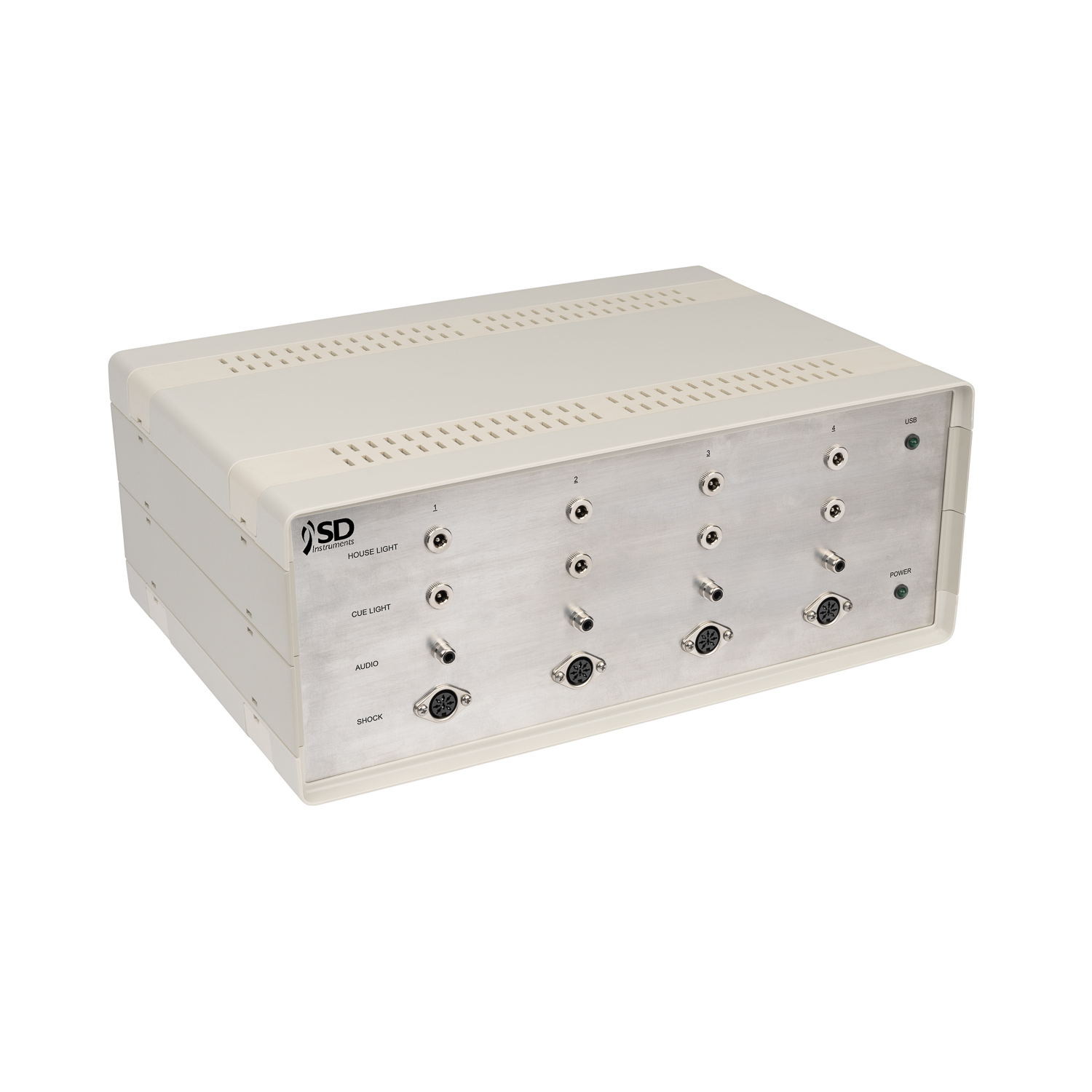
The Freeze Monitor contains a sound cue 2kHz-40kHz Puretone, light cue and shock with 8 distinct outputs. The control box also includes two (2) digital outputs for users choice to connect third party equipment. The shock presentation insures that the animal cannot discern a shock pattern providing accurate behavior. In addition, a hexagonal opaque drop in Context Box is used providing the same sound and light cues for Contextual Fear Conditioning.
Connect 2 or 4 Freeze Monitors Using a Standard USB Port
The Freeze Monitor utilizes a standard USB to serial converter cable to connect the Freeze Monitors to your laptop or PC. SDI can provide a fully configure computer or laptop for a minimal price.
Freeze Monitor Software
The Freeze Monitor software gives you more flexibility than ever. Define your complete experiment in advance in a single file by pre-assigning specific animals to specific test stations for each test session and assign a predefined test definition of Stimulus blocks to each test session. The software will automatically record your session data and store it in the Experiments file keeping all data together. When you are ready, you’ll be able to display your data right on your computer monitor or choose to export it with one click to Microsoft® Excel or to a delimited file type(TAB, CSV, etc.).
The Test Definitions control the Light, Sound and Shock stimuli and the Latency durations for monitoring the subject. Each stimuli duration is controlled by the Test Definitions. The shock level, range from 0-5mA, is also set in the Test Definitions. The Freeze Monitor software has the ability to create complex elaborate sound profiles. You have the control to change frequency and amplitude to fit your experiment. Another key feature is the setting of the Inter-Test intervals either for fixed durations or random durations. The Test Definitions can be saved and reused in multiple studies assuring accuracy and eliminating redundant data entry saving you time.
A Experiment will contain multiple discrete test sessions using some number of subjects. You can define each of these test sessions in advance entering session parameters and assigning the Test Definition to the session. All this data is kept in a single file in table format. This approach assures accuracy of data and assures tight coupling of results data with the correct subject.
Each Session is selected from the Experiment definition and Subject Id’s, Dose Groups and Subject Variables are entered for each test station. You can choose the Start All option or the individual Start Option for each test station.
The Freeze Monitor software makes the table formatted results available for direct export to Microsoft® Excel or to a delimited file type (TAB, CSV, etc.). All data is identified by column headers. Storage of all data in a single file assures that no data is missing. The elimination of the need to aggregate multiple single files and possibly reformat them again assures accuracy of results and saves you significant time. The Freeze Monitor software provides a report that follows the human observation method showing latencies to movement at periodic intervals. Any immobility exceeding this parameter is considered a “freezing episode”. Number of “freezing episode” and duration of each “freezing episode” are reported.
The uniquely-shaped hexagon Context Box drops inside the Freeze Monitor enclosure. Use of the Context Box provides two key advantages: One, ensure accurate results by running the same test definition as with the cued test, and two, you will eliminate the need for a separate context test station.
System components
12” (W) x 14.25” (D) x 21.5“ (H) Inside Dimensions 11.5” (W) x 12” (D) x 16.5“ (H) Weight 12 lbs. Material Composition ABS Plastic Maximum # Stations 2 or 4 station Shock Output 0-5mAOutside Dimensions
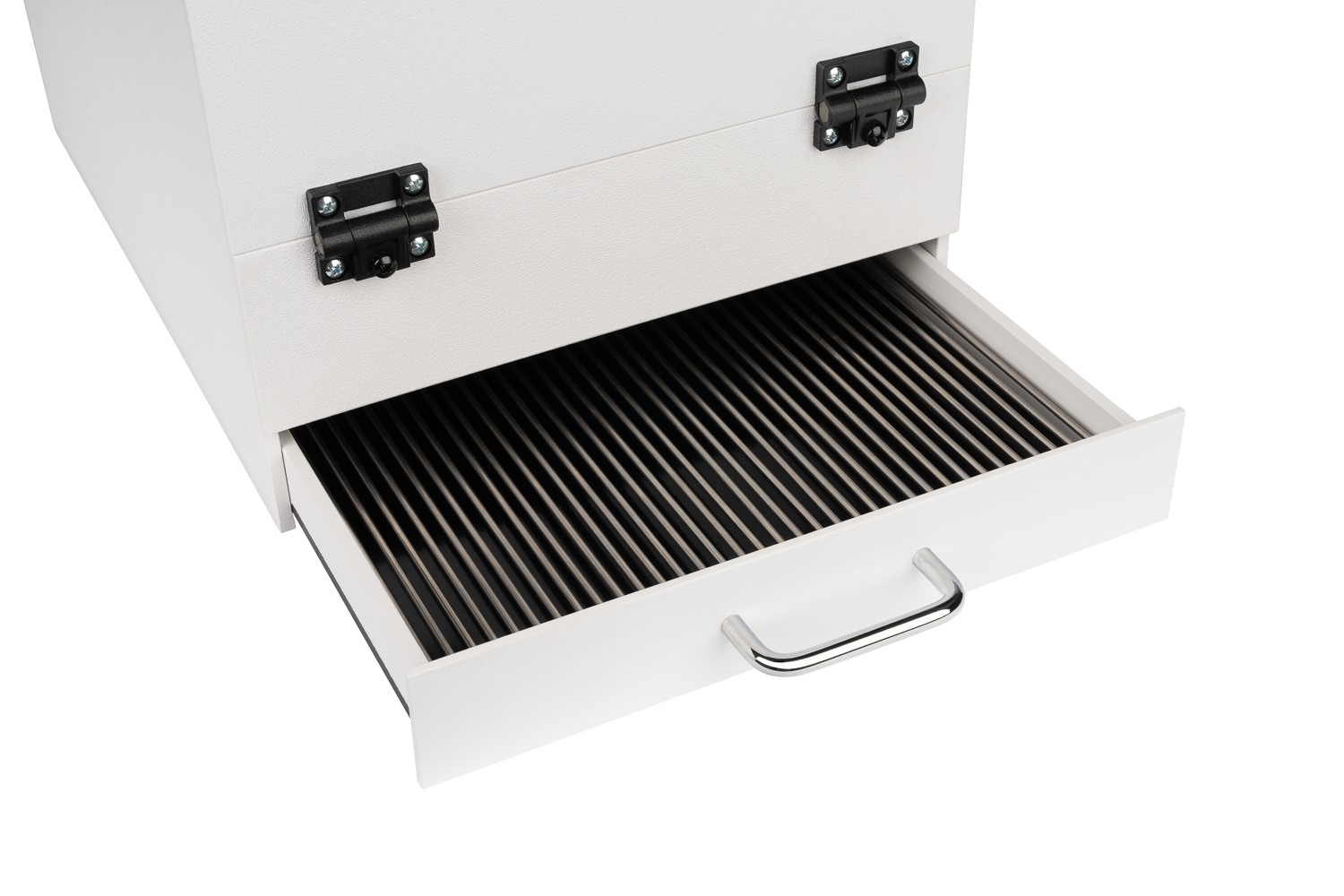
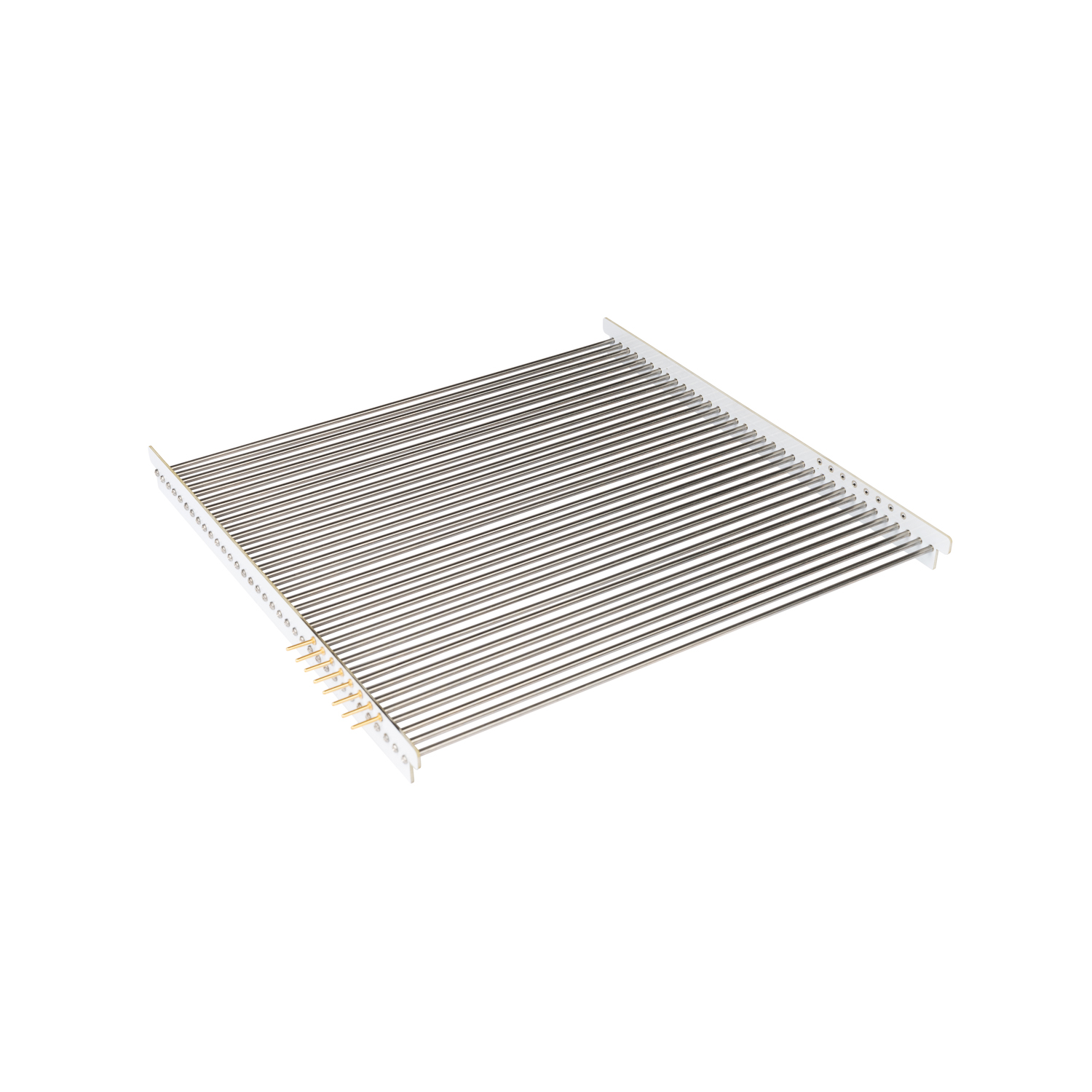
2-40kHz Certifications CE Stimuli Options Sound, light, shock Stainless Steel Grids 20 rods of .25″ Diameter for Rats Context Enclosure Box 9 7/8″ x 9 7/8″ x 14” x 7 ” (Deep)Tone Stimuli
35 rods of .125″ Diameter for Mice
 Back to All products
 Download data sheet